
Minecraft Code Builders
Code your own Minecraft builds with chat commands, loops and a robot helper.
Students use Code Builder and Microsoft MakeCode inside Minecraft Education to write chat commands, program the Agent, build with loops and coordinates, and finish with an automated build of their own design.
Ask about this course
About this course
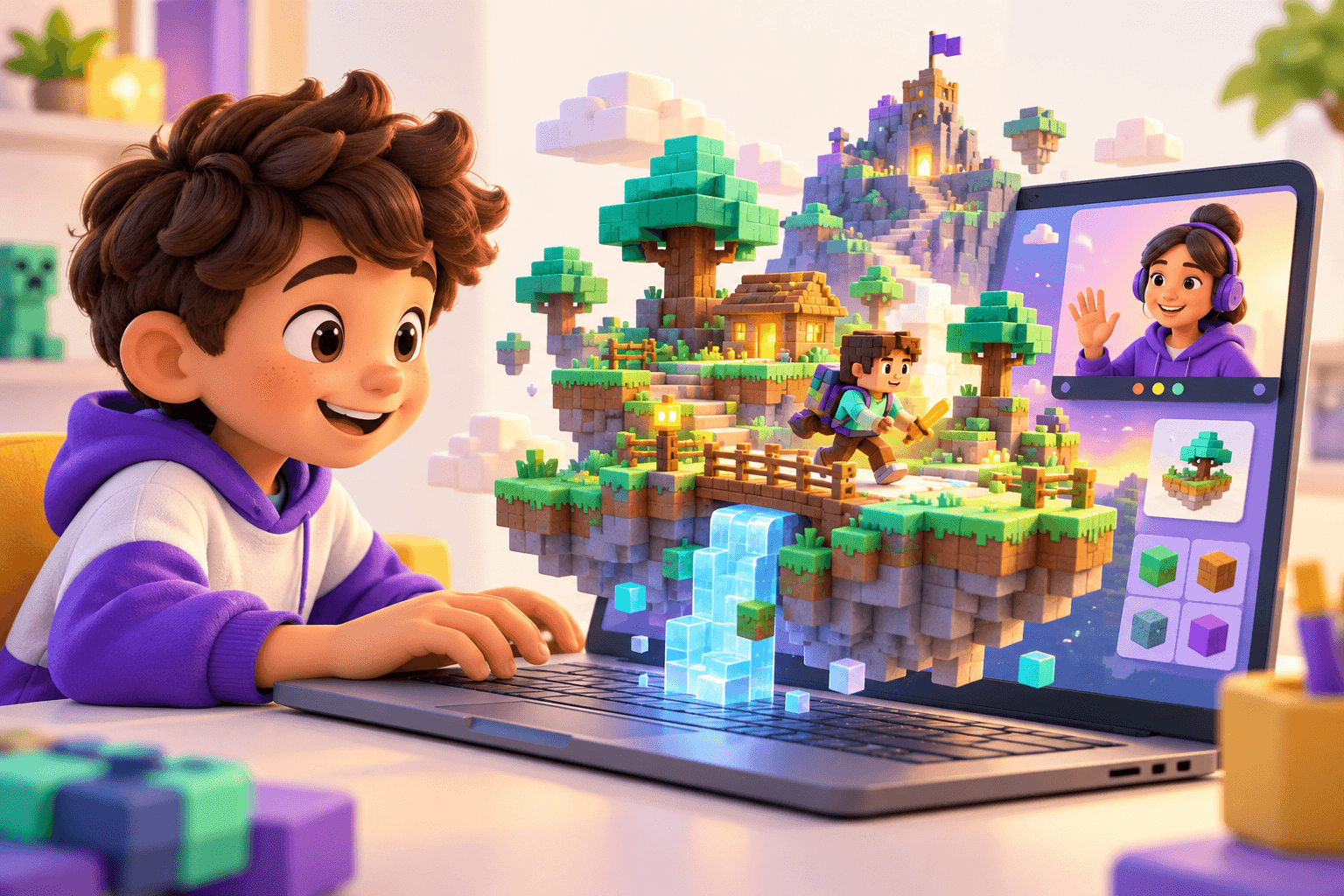
Minecraft Code Builders turns a game children already love into a place to learn real programming ideas. In live, one-to-one lessons, students open Code Builder inside Minecraft Education and write programs with Microsoft MakeCode blocks. They start with simple chat commands, then program the Agent (a robot helper) to move, turn, place and destroy blocks. Next they use loops and nested loops to build walls, towers, floors and pyramids, and learn how coordinates let code place blocks exactly where they want. Later modules introduce events with numbers, variables, the player's position and decisions with conditionals, before students automate a bridge builder and a house builder and take a first look at the same code in the JavaScript view. The course ends with a final build project that the student plans, codes, tests and explains.
Minecraft Education needs an appropriate licence or account, which families arrange. Your instructor will confirm the right setup with your family before the course starts.
What your child will learn
- Open Code Builder in Minecraft Education and write programs with MakeCode blocks
- Create chat commands that run code when typed in the game chat
- Program the Agent to move, turn, place and destroy blocks
- Use repeat loops and nested loops to build walls, towers, stairs, floors and pyramids
- Use relative (~) coordinates and the fill block to place blocks exactly
- Use number inputs, variables and conditionals to make builds flexible and smart
- Recognise the same program written as blocks and as JavaScript
- Plan, build, test and explain an original automated Minecraft build
Course structure
- 1
Getting Started with Code Builder
Open Code Builder and MakeCode inside Minecraft Education, write your first chat command, and learn the habits that keep your worlds and your work safe.
3 lessons
- 2
Meet the Agent
Program the Agent, your robot helper: move it, turn it, fill its inventory, place and destroy blocks, and complete your first Agent builder challenge.
3 lessons
- 3
Loops and Builders
Use repeat loops to build walls, towers and stairs, nested loops for floors and pyramids, and coordinates with the fill block to build huge things instantly.
3 lessons
- 4
Events and Variables
Make commands that take numbers, store values in variables and counters, use the player's position, and help the Agent make decisions with conditionals.
2 lessons
- 5
Automation Projects and a Peek at JavaScript
Combine everything to automate useful builds — a bridge builder and a one-command house — see the same code in the JavaScript view, then plan, build and present a final project.
3 lessons
Example projects
Instant tower command
Type "tower 12" in chat and the Agent builds a tower exactly 12 blocks tall.
Pyramid builder
Nested loops build a stepped pyramid layer by layer, each layer smaller than the last.
Bridge builder
The Agent walks out over water or a gap, placing a bridge as it goes, and stops when it reaches land.
One-command house
A single chat command builds walls, a floor, a roof and a doorway around the player.