
Scratch Explorers
Your first steps in coding: animate, tell stories and build your very first game in Scratch.
A beginner Scratch course taught live, 1-to-1. Students learn the Scratch editor, bring sprites to life with motion, costumes and sound, tell animated stories, make interactive projects with loops and sensing, and finish by building their own mini-game with a score and a timer.
Ask about this course
About this course
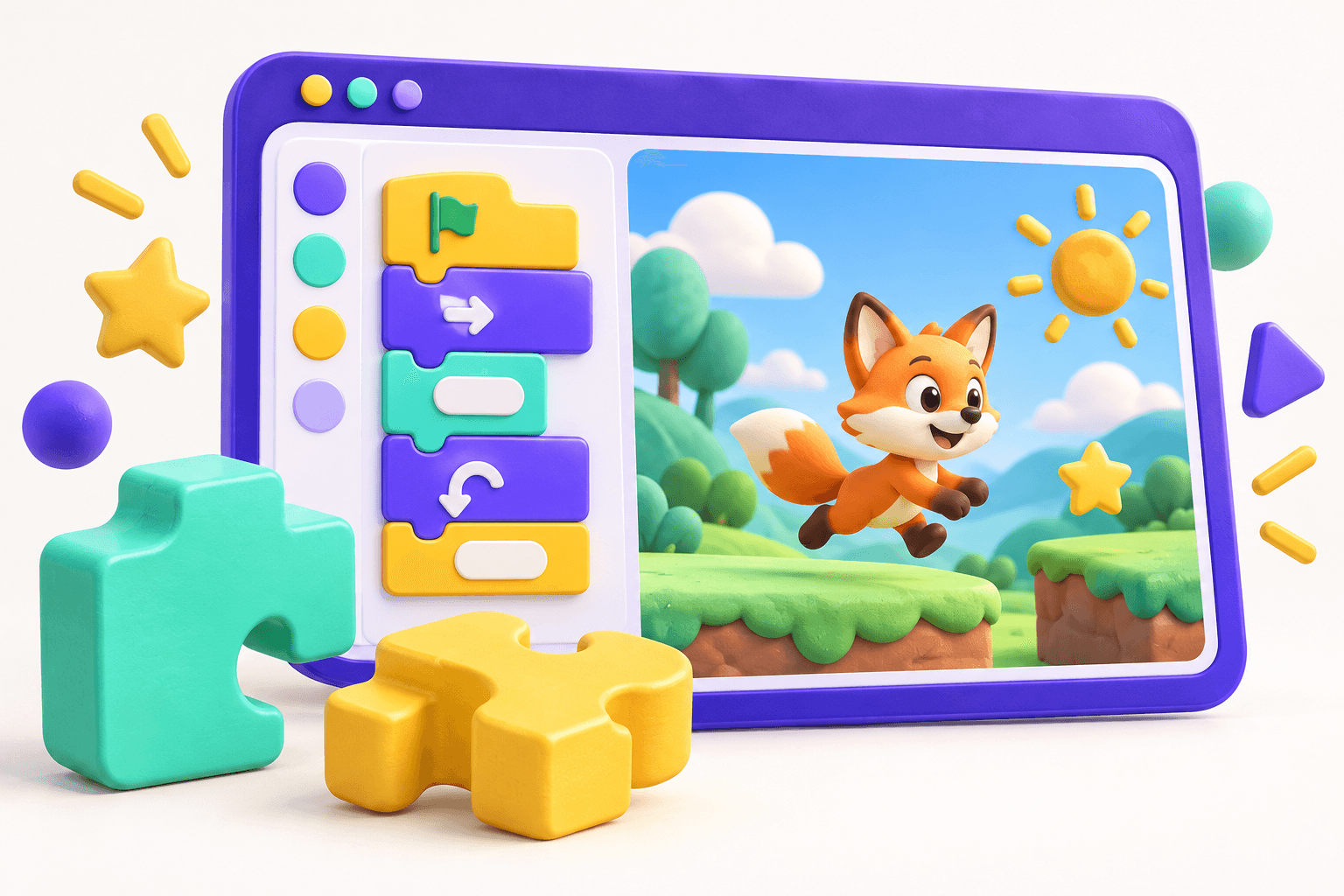
Scratch Explorers is the starting point for children who have never coded before. Scratch uses colourful blocks that snap together, so students can focus on ideas — making things move, talk, react and play — without worrying about typing or spelling.
Every lesson is taught live and 1-to-1 by a Coding Champions instructor over a video call. Each session follows the same friendly rhythm: a quick look back, one new idea explained with a real example, a guided build together, and a challenge the student tries on their own. The lesson page stays available afterwards so students can revisit the steps whenever they like.
The course has four modules. In Meet Scratch students find their way around the editor and make sprites move. In Animation & stories they use costumes, sounds and broadcasts to tell an animated story. In Interactive projects they control sprites with the keyboard and mouse, and use loops and sensing. In My first game they add variables, decisions and a timer, then plan, build and finish a complete mini-game of their own.
Students build in the free Scratch editor (online or the Scratch desktop app) and submit their work under My Projects, either as a Scratch project link or as a downloaded .sb3 file.
What your child will learn
- Find their way around the Scratch editor: blocks, code area, stage and sprite list
- Make sprites move, turn and glide using Motion blocks and the green flag
- Animate characters with costumes, looks effects and sounds
- Tell a short animated story using timing, backdrops and broadcasts
- Control sprites with the keyboard and mouse, and use forever and repeat loops
- Use sensing and if/then decisions so sprites react to each other
- Keep score and run a countdown timer with variables
- Plan, build, test and finish a complete mini-game of their own
Course structure
- 1
Meet Scratch
Find your way around the Scratch editor, meet sprites and the stage, and write your first scripts that start when the green flag is clicked.
3 lessons
- 2
Animation & stories
Bring characters to life with costumes, effects and sounds, then tell a short animated story with dialogue, timing, backdrops and broadcasts.
3 lessons
- 3
Interactive projects
Let the player take control: respond to keys and mouse clicks, keep things running with forever and repeat loops, and make sprites sense when they touch something.
3 lessons
- 4
My first game
Use variables to keep score, make decisions with if/then/else, add a countdown timer, and plan, build and finish a complete mini-game.
4 lessons
Example projects
The Dancing Cat
Scratch Cat dances across the stage with costume changes, colour effects and music, all running from a single green flag.
The Lost Penguin
A short animated story across three backdrops where characters talk to each other, timed with waits and broadcasts.
Apple Catcher
Move a bowl with the arrow keys to catch falling apples before the 30-second timer runs out — with a score that goes up for every catch.